How Payment UX Impacts Conversion Rates
Payment UX plays a critical role in conversion rates. Explore how checkout design, payment methods, and user experience affect cart abandonment and sales performance.


When businesses focus on improving conversion rates, they often invest in marketing, product pages, or pricing strategies, but one of the most influential factors is frequently overlooked: payment UX. The payment experience is the final and most critical step in the customer journey, where even small usability issues can lead to abandoned carts and lost revenue. A slow checkout process, limited payment options, or confusing forms can cause users to leave just seconds before completing a purchase. On the other hand, a smooth, fast, and intuitive payment experience can significantly increase conversions and improve customer satisfaction. Understanding how payment UX impacts conversion rates is essential for any business that wants to optimize its checkout process and maximize revenue.
What Is Payment UX?
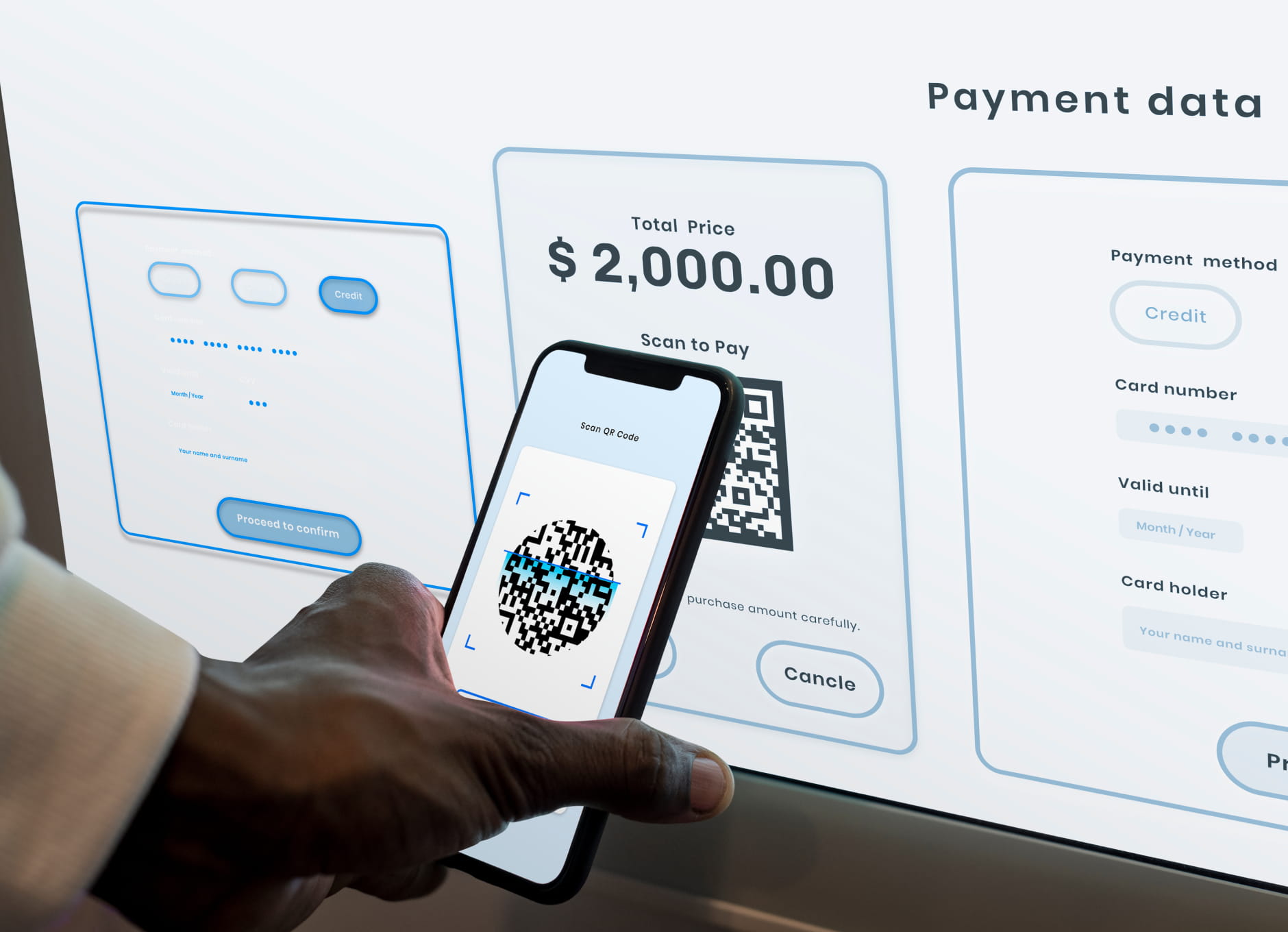
Payment UX (Payment User Experience) refers to the overall experience a customer has while completing a payment during the checkout process on a website or mobile application. It includes every interaction a user has from the moment they begin checkout until the payment is successfully completed. Payment UX focuses on making this process simple, fast, secure, and easy to understand.
A well-designed payment experience reduces friction and helps users complete their purchase without confusion or delays. A poorly designed payment experience, on the other hand, can create frustration and lead to cart abandonment, even when customers are ready to buy.
Key Elements of Payment UX
Payment UX is made up of several important components, including:
- Checkout flow and number of steps
- Payment form design and usability
- Available payment methods
- Page loading speed
- Mobile checkout experience
- Error handling and validation messages
- Security indicators and trust signals
- Transparency of pricing and fees
All of these elements influence how comfortable and confident a user feels when completing a payment.
Why Payment UX Is Important
The payment stage is the final step in the customer journey, which makes it one of the most critical points in the conversion funnel. Even small usability issues at this stage can cause users to abandon their purchase.
Improving payment UX can help businesses:
- Increase conversion rates
- Reduce cart abandonment
- Improve customer satisfaction
- Increase completed transactions
- Improve overall user experience
In summary, payment UX is not just a design concern but a business factor that directly influences revenue and conversion performance. A smooth and user-friendly payment experience makes it easier for customers to complete purchases and makes them more likely to return in the future.
How Payment UX Affects Conversion Rates
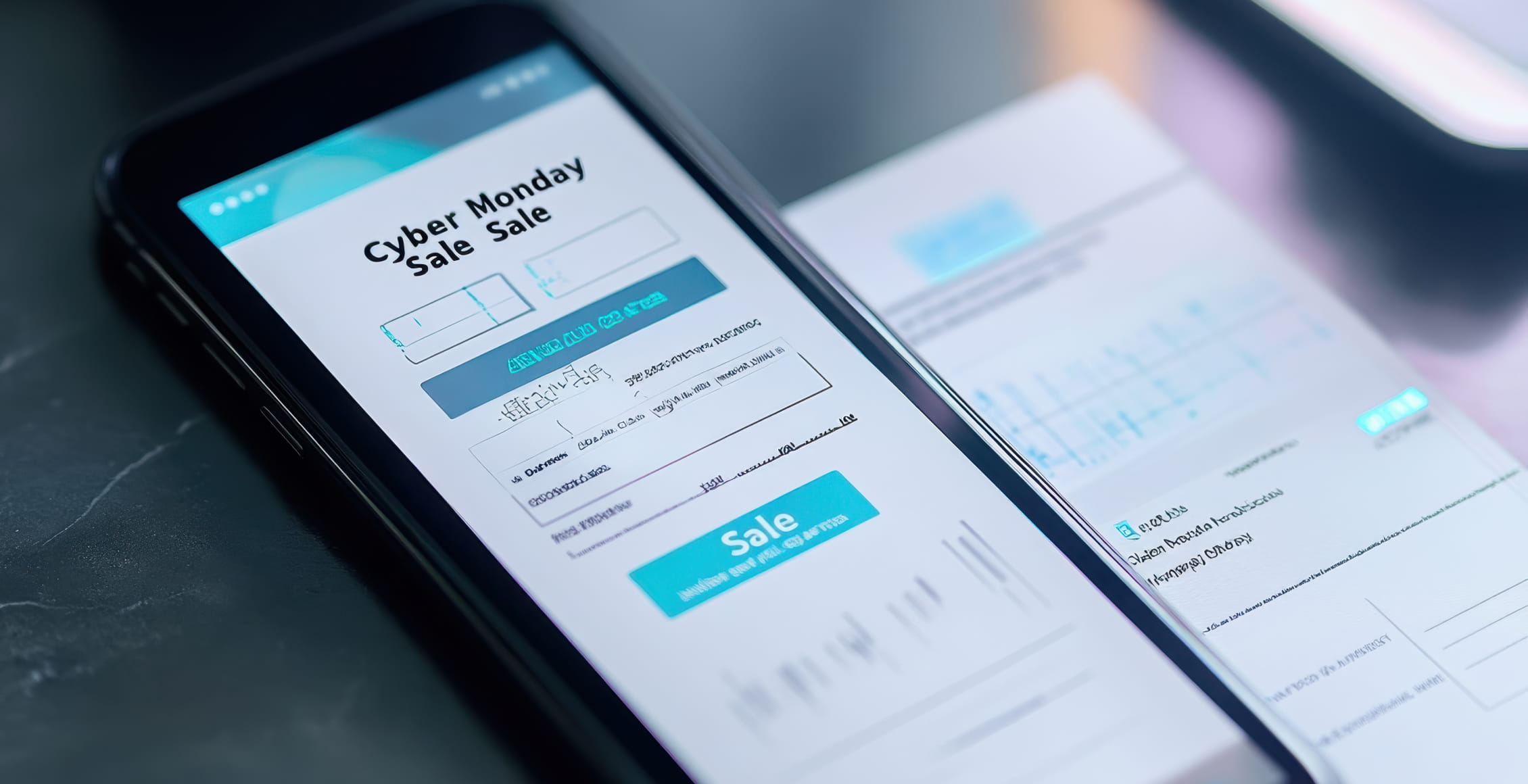
Payment UX has a direct impact on conversion rates because it represents the final step in the customer journey. A user may browse products, add items to the cart, and start checkout, but if the payment process is slow, confusing, or complicated, they may abandon the purchase before completing it. This means that even small problems in the payment experience can lead to lost sales.
Conversion rates are heavily influenced by how easy and fast it is for users to complete a payment. When the payment process is simple and intuitive, users are more likely to finish their purchase. When the process is difficult or time-consuming, users often leave the site and do not return.
Ways Payment UX Impacts Conversion Rates
1. Checkout Friction Reduces Conversions
If users have to complete too many steps, fill out long forms, or create an account before paying, the checkout process becomes frustrating. The more effort required to complete a payment, the higher the chance that users will abandon their cart.
Common friction points include:
- Too many checkout pages
- Long payment forms
- Forced account creation
- Complicated navigation
- Too much information requested
2. Payment Speed Influences Purchase Completion
Users expect fast checkout experiences. If payment pages load slowly or the process takes too long, users may lose patience and leave before completing the transaction. Faster checkout processes generally result in higher conversion rates.
Features that improve speed include:
- Autofill for address and card details
- Saved payment methods
- One-click payments
- Simple checkout forms
- Fast page loading
3. Payment Methods Affect User Decisions
Not offering a user’s preferred payment method can prevent them from completing a purchase. Customers often expect multiple payment options such as credit cards, digital wallets, or local payment methods. Providing more payment options can increase the likelihood that users will complete the checkout process.
4. Trust and Security Influence Conversions
Users need to feel that their payment information is safe. If a payment page looks unprofessional, lacks security indicators, or shows unclear error messages, users may not trust the site and may abandon the purchase.
Trust can be improved by:
- Displaying security badges
- Using well-known payment providers
- Showing clear error messages
- Providing transparent pricing
- Avoiding unexpected fees at checkout
Summary
In simple terms, payment UX affects conversion rates because it determines how easy it is for customers to complete a purchase. A smooth, fast, and trustworthy payment experience encourages users to finish checkout, while a complicated or slow payment process increases cart abandonment. Improving payment UX is therefore one of the most effective ways to increase conversions and revenue.
Common Payment UX Mistakes That Hurt Conversion
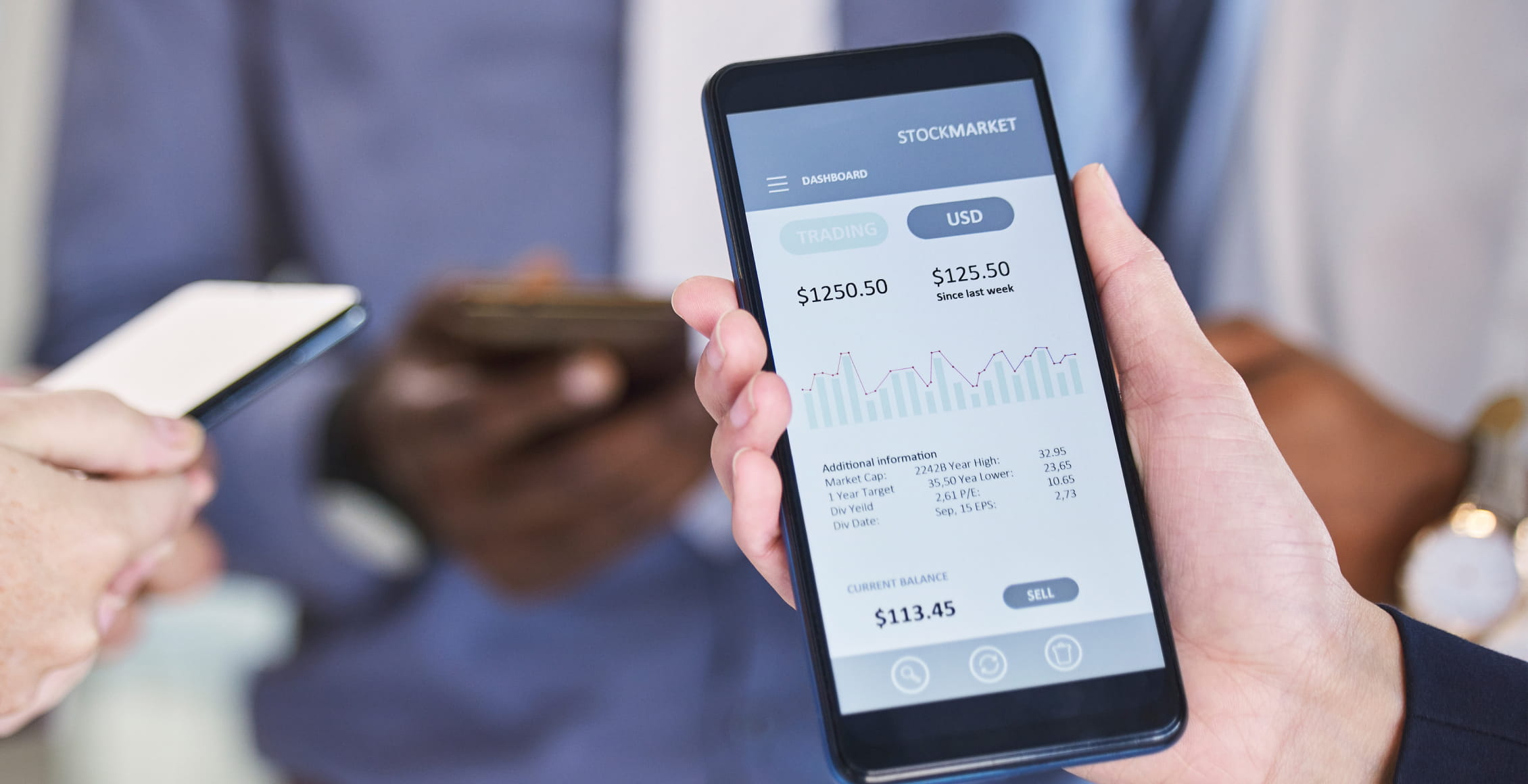
Below are some of the most common payment UX mistakes that can negatively impact conversion rates and cause users to abandon checkout before completing a purchase.
-
Too many checkout steps.
A long or complicated checkout process increases friction and makes users less likely to complete their purchase. The more steps required, the higher the chance of cart abandonment. -
Long or complicated payment forms.
Asking for too much information or using poorly designed forms can frustrate users. Customers expect simple forms with autofill and minimal typing. -
Forced account creation.
Requiring users to create an account before paying is one of the most common reasons for checkout abandonment. Many users prefer guest checkout for faster purchases. -
Limited payment methods.
Not offering enough payment options can prevent customers from completing a purchase. Users often expect multiple options, such as credit cards, digital wallets, or local payment methods. -
Slow checkout pages.
If payment pages load slowly, users may leave before completing the payment. Speed is critical during checkout because users are already close to finishing their purchase. -
Unexpected fees at checkout.
Showing additional costs such as taxes or shipping only at the final payment step can cause users to abandon their purchase due to unexpected price changes. -
Poor mobile checkout experience.
Many users shop on mobile devices, so a checkout process that is not optimized for mobile screens can significantly reduce conversions. -
Unclear error messages.
If a payment fails and the error message is confusing or unclear, users may not know how to fix the problem and may leave the site instead of trying again. -
Lack of trust signals.
If the payment page does not look secure or professional, users may hesitate to enter their payment information. Security badges and recognizable payment providers help build trust. -
No saved payment or autofill options.
Making users enter their payment details every time increases friction. Features like saved cards and autofill make checkout faster and easier. -
Poor integration between checkout and CRM systems.
If the payment system is not properly connected to customer management tools, businesses may lose valuable customer data, fail to track abandoned checkouts, and miss opportunities to recover lost sales through follow-up emails or automated reminders.
Most payment UX mistakes increase friction, slow down checkout, or reduce user trust. When the payment process becomes difficult or time-consuming, conversion rates drop. Improving payment UX and integrating checkout data with systems like Germius can help businesses reduce abandonment and increase completed purchases.
Payment UX Best Practices to Increase Conversion
Improving payment UX is one of the most effective ways to increase conversion rates because the payment stage is the final step before a purchase is completed. A smooth and simple checkout experience reduces friction and makes it easier for customers to finish their purchase. Below are some important payment UX best practices that help increase conversions.
Keep the Checkout Process Short and Simple
A long and complicated checkout process is one of the main reasons users abandon their carts. The fewer steps required to complete a payment, the higher the chance that users will finish the purchase.
Best practices include:
- Use a one-page checkout when possible
- Remove unnecessary form fields
- Only ask for essential information
- Show a progress indicator if multiple steps are required
Offer Guest Checkout
Not all customers want to create an account before making a purchase. Forcing account creation adds friction and can reduce conversions. Guest checkout allows users to complete their purchase faster and more easily. You can always offer account creation after the purchase is completed.
Provide Multiple Payment Methods
Customers prefer different payment methods depending on their location and preferences. Offering multiple payment options increases the likelihood that users will complete their purchase.
Common payment methods include:
- Credit and debit cards
- Digital wallets
- Bank transfers
- Local payment methods
- Buy now, pay later services
Optimize Checkout for Mobile Devices
A large percentage of online purchases happen on mobile devices. If the payment process is not mobile-friendly, users may abandon checkout.
Mobile payment UX should include:
- Large input fields
- Minimal typing
- Autofill support
- Mobile wallets
- Fast loading pages
Use Autofill and Saved Payment Information
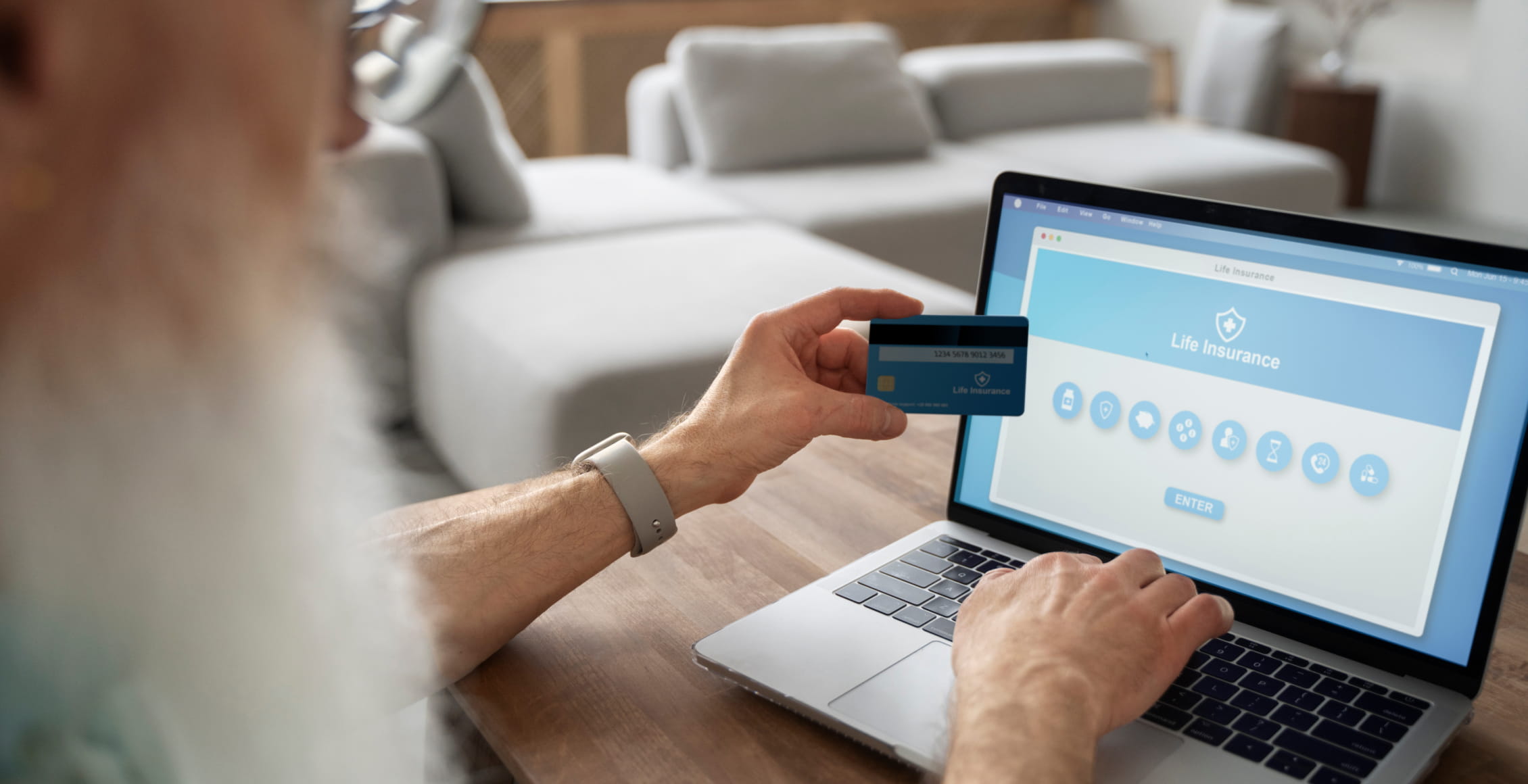
Autofill and saved payment methods make checkout faster and easier, especially for returning customers. Reducing the amount of typing required can significantly improve conversion rates.
Show Clear Pricing and Avoid Unexpected Costs
Unexpected fees shown at the final payment step can cause users to abandon their purchase. Always display shipping costs, taxes, and additional fees earlier in the checkout process to avoid surprises.
Display Trust and Security Signals
Customers need to feel that their payment information is secure. Showing security badges, SSL indicators, and recognizable payment provider logos can increase trust and improve conversion rates.
Provide Clear Error Messages
If a payment fails, users should immediately understand what went wrong and how to fix it. Clear error messages reduce frustration and help users complete the payment successfully. Therefore, businesses must ensure they provide clear error messages to their customers.
Integrate Checkout With CRM Systems
Integrating your payment and checkout system with a CRM can help businesses track customer behavior, monitor abandoned checkouts, and send follow-up messages or reminders to recover lost sales. This integration helps improve conversion rates by turning abandoned carts into completed purchases through automated communication and customer tracking.
Metrics to Measure Payment UX Performance
To understand whether your payment experience is effective, it is important to track specific performance metrics. These metrics help identify friction points in the checkout process and show where improvements are needed. Key metrics to track include:
-
Checkout conversion rate.
The percentage of users who start checkout and successfully complete a payment. This is one of the most important indicators of payment UX performance. -
Cart abandonment rate.
The percentage of users who add items to their cart but leave before completing payment. A high abandonment rate often indicates problems in the checkout or payment process. -
Payment success rate.
The percentage of payment attempts that are successfully completed. Low success rates may indicate technical issues, payment errors, or poor error handling. -
Time to complete checkout.
The average time it takes a user to finish the payment process. Longer checkout times usually mean the process is too complicated or slow. -
Error rate during payment.
The number of payment errors users encounter, such as declined cards or form errors. High error rates can reduce conversions and frustrate users. -
Mobile vs desktop conversion rate.
Comparing conversion rates between mobile and desktop users helps identify whether the mobile payment experience needs improvement. -
Repeat purchase rate.
The percentage of customers who return and make another purchase. A smooth payment experience often encourages repeat purchases. -
Abandoned payment step rate.
The percentage of users who reach the payment page but do not complete the transaction. This metric helps identify problems specifically at the payment stage.
Tracking these metrics helps businesses understand how users interact with the payment process and where users drop off. By monitoring payment UX performance metrics, companies can improve checkout usability, reduce abandonment, and increase conversion rates.
Wrapping Up
Payment UX plays a crucial role in determining whether a customer completes a purchase or abandons the checkout process. A fast, simple, and trustworthy payment experience reduces friction, increases customer confidence, and ultimately improves conversion rates. Businesses that optimize their checkout flow, offer multiple payment methods, and prioritize mobile-friendly design are more likely to see higher completion rates and increased revenue. Improving payment UX is not just a design improvement but a strategic business decision that directly impacts sales performance and customer satisfaction. By continuously testing and refining the payment experience, companies can create a smoother checkout journey that converts more visitors into paying customers.